Heat Map Profiles
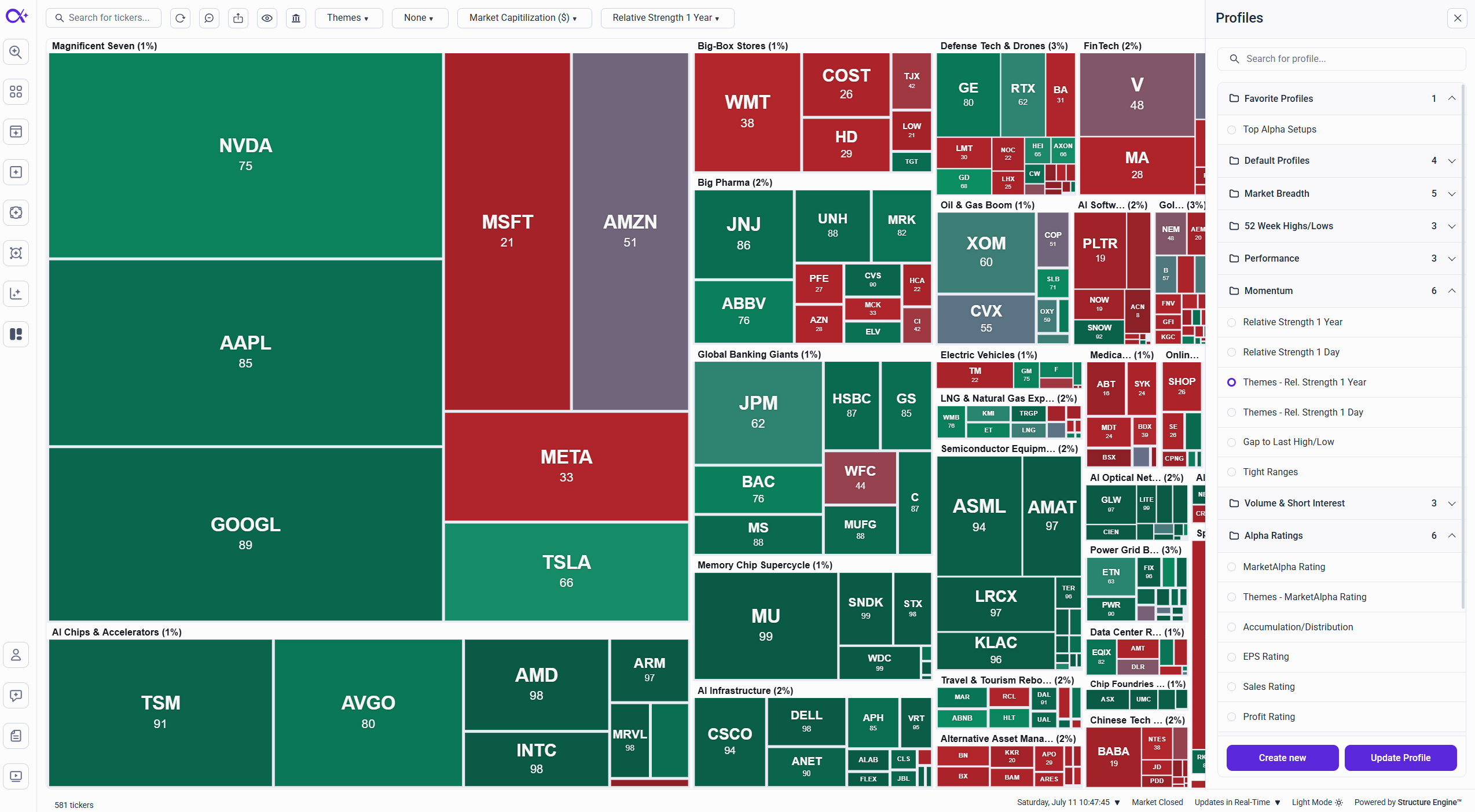
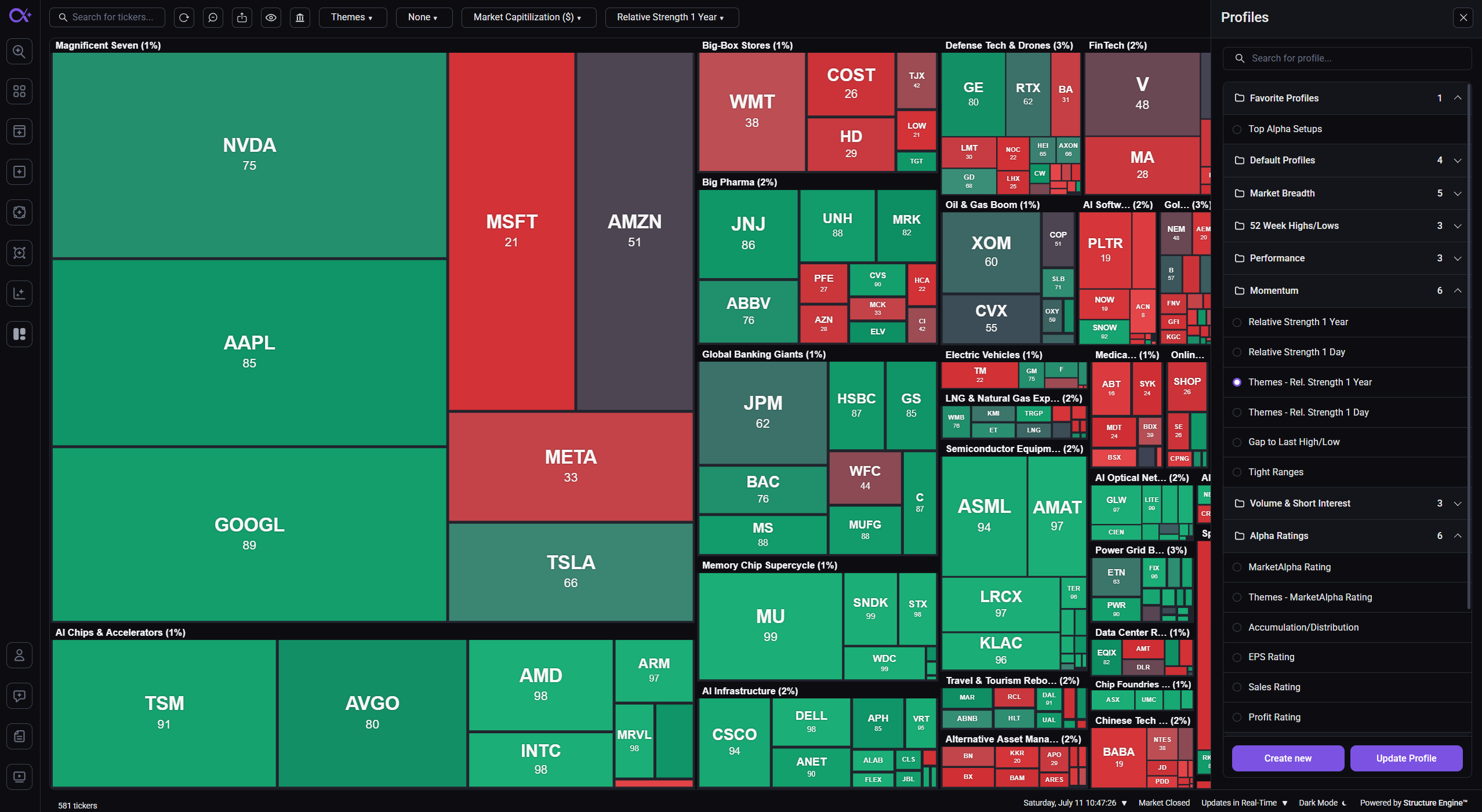
Heat Map profiles work just like screener profiles: a profile saves your complete map setup — categories, box size and color metrics, ranges, markets, and display of missing data — so any view you build is one click away.
Saving a Profile
- Configure the map the way you want it (see Customizing the Heat Map)
- Click Save in the toolbar
- Save over the current profile or save your setup as a new one
An unsaved change to the current profile is marked with a * next to its name, so you always know when your view has drifted from what's saved.
The Profiles Dropdown and Sidebar
- The profiles dropdown in the toolbar lists your profiles and the MarketAlpha community profiles, grouped by folder — from here you can also rename, duplicate, favorite, or delete a profile
- The Heat Map Profiles sidebar gives you the full folder view for browsing and organizing everything in one place
Favorites
Mark the profiles you use most as favorites to pin them for quick access — including directly from the main navigation, so your go-to map is always one click away. New accounts start with a curated set of favorites already in place.
Ready-Made Profile Library
Heat Maps ships with a full library of community profiles, organized into folders such as:
- Market Breadth
- 52 Week Highs/Lows
- Momentum
- Performance
- Volume & Short Interest
- Alpha Ratings
- AI Setups
- Earnings
- Corporate Events
- Explorations
They're the fastest way to learn what the Heat Map can do — open one, see how it's configured, and duplicate it as a starting point for your own view.
Automatic Session Switching
Like the screeners, Heat Maps adapts to the market session automatically: opening the page loads the default profile for the current session — Pre-Market, Regular Hours, Post-Market, or Market Closed — so the map always highlights what's relevant right now.
Summary
Profiles make every Heat Map view repeatable: build it once, save it, favorite it, and it's there whenever you need it — with ready-made setups to start from and session-aware defaults that keep the map in step with the trading day.